Use AI to create, edit, and share engaging highlights in moments.
Trusted by 1,000+ creators
5-star reviews on Google
"In my opinion, it’s the best AI clip editor out there right now."
Chop AI vs Opus Clip | I Tested Both (Here’s What I Found)
Chop AI vs Opus Clip (What You NEED to Know)
How To Make Money With Chop AI Shorts (BEST Opus Clip Alternative)
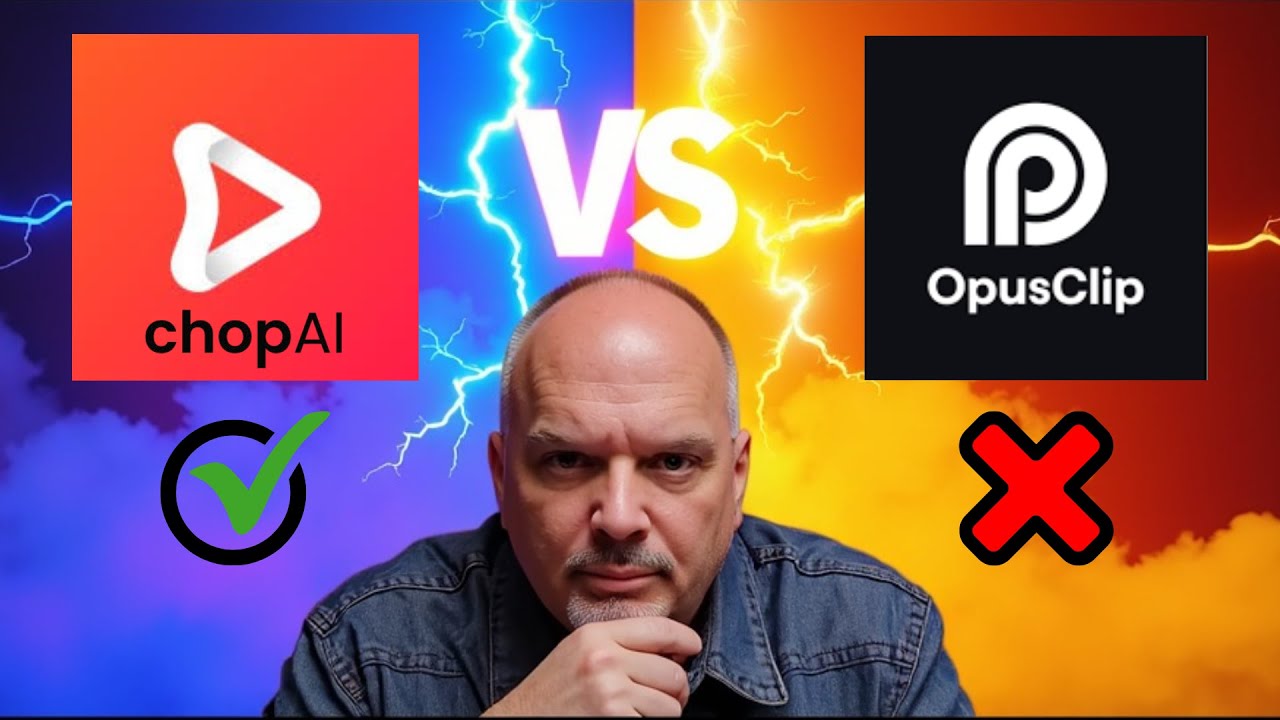
Chop AI vs Opus Clip: The Ultimate AI Video Showdown
Chop AI vs Opus Clip | I Tested Both (Here’s What I Found)
Chop AI vs Opus Clip (What You NEED to Know)
How To Make Money With Chop AI Shorts (BEST Opus Clip Alternative)
Chop AI vs Opus Clip: The Ultimate AI Video Showdown
Chop AI vs Opus Clip | I Tested Both (Here’s What I Found)
Chop AI vs Opus Clip (What You NEED to Know)
How To Make Money With Chop AI Shorts (BEST Opus Clip Alternative)
Chop AI vs Opus Clip: The Ultimate AI Video Showdown
Chop AI vs Opus Clip | I Tested Both (Here’s What I Found)
Chop AI vs Opus Clip (What You NEED to Know)
How To Make Money With Chop AI Shorts (BEST Opus Clip Alternative)
Chop AI vs Opus Clip: The Ultimate AI Video Showdown
See what our customers are saying about us.
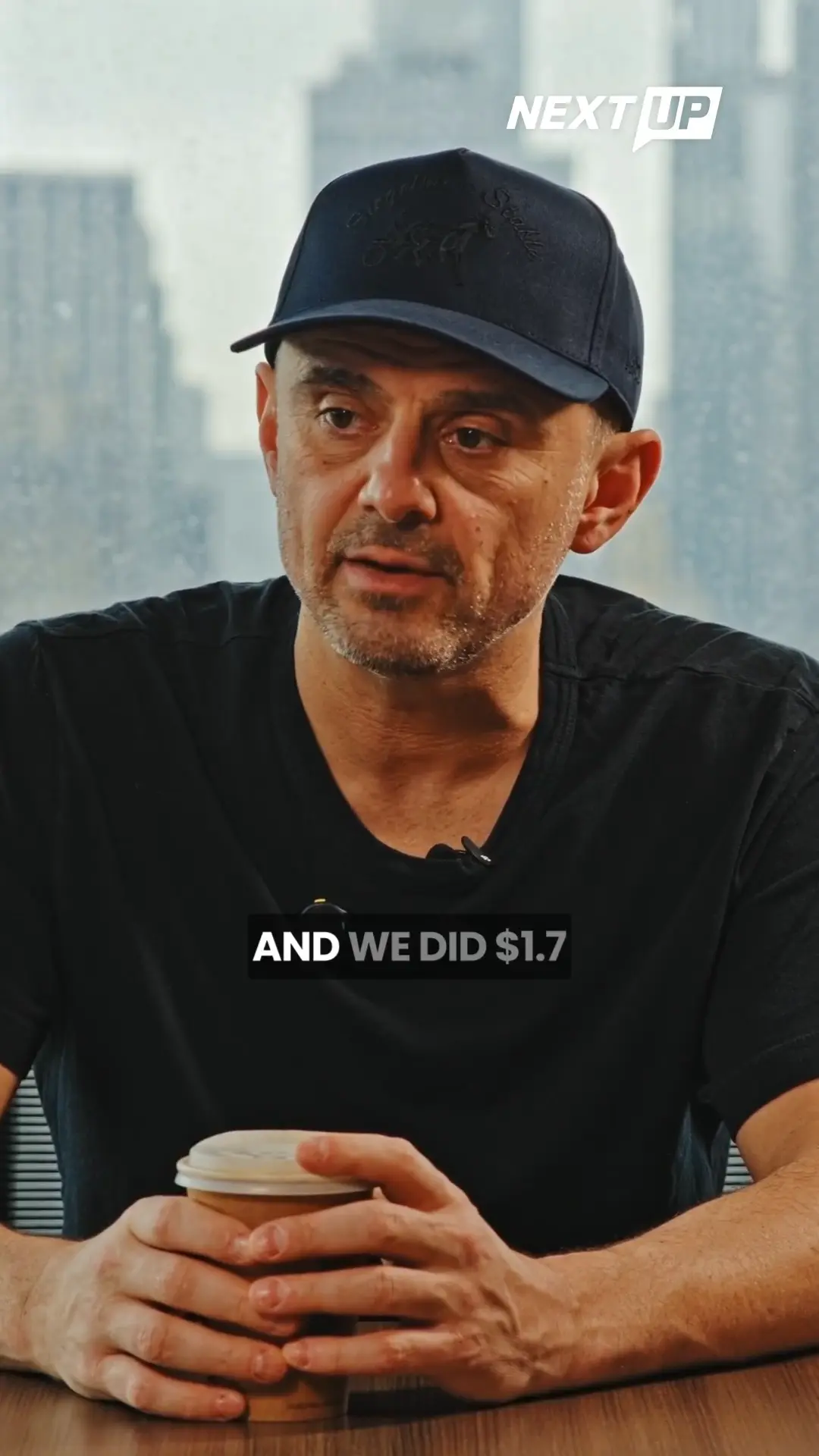
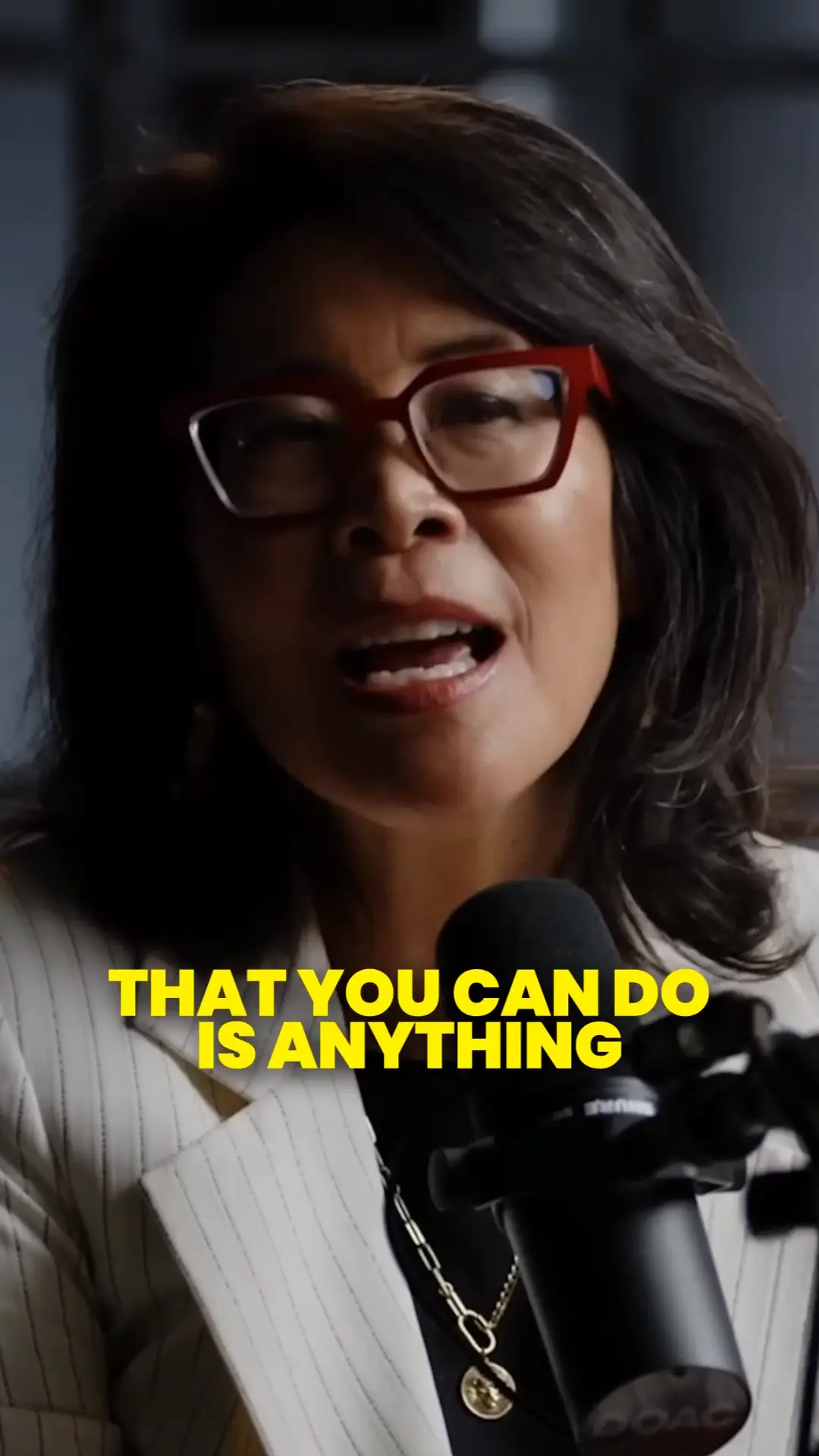
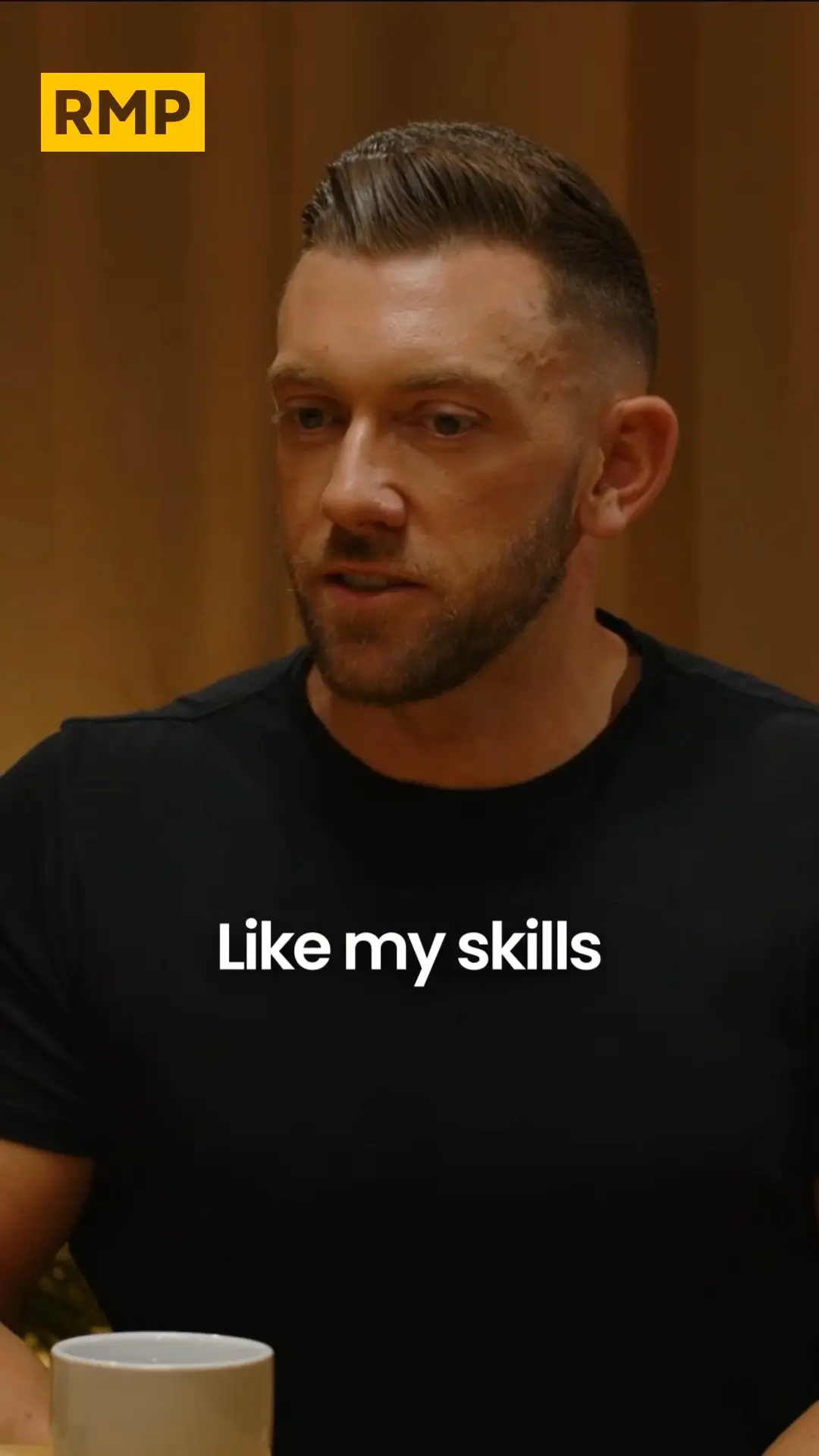

These clips were edited entirely by Chop AI.
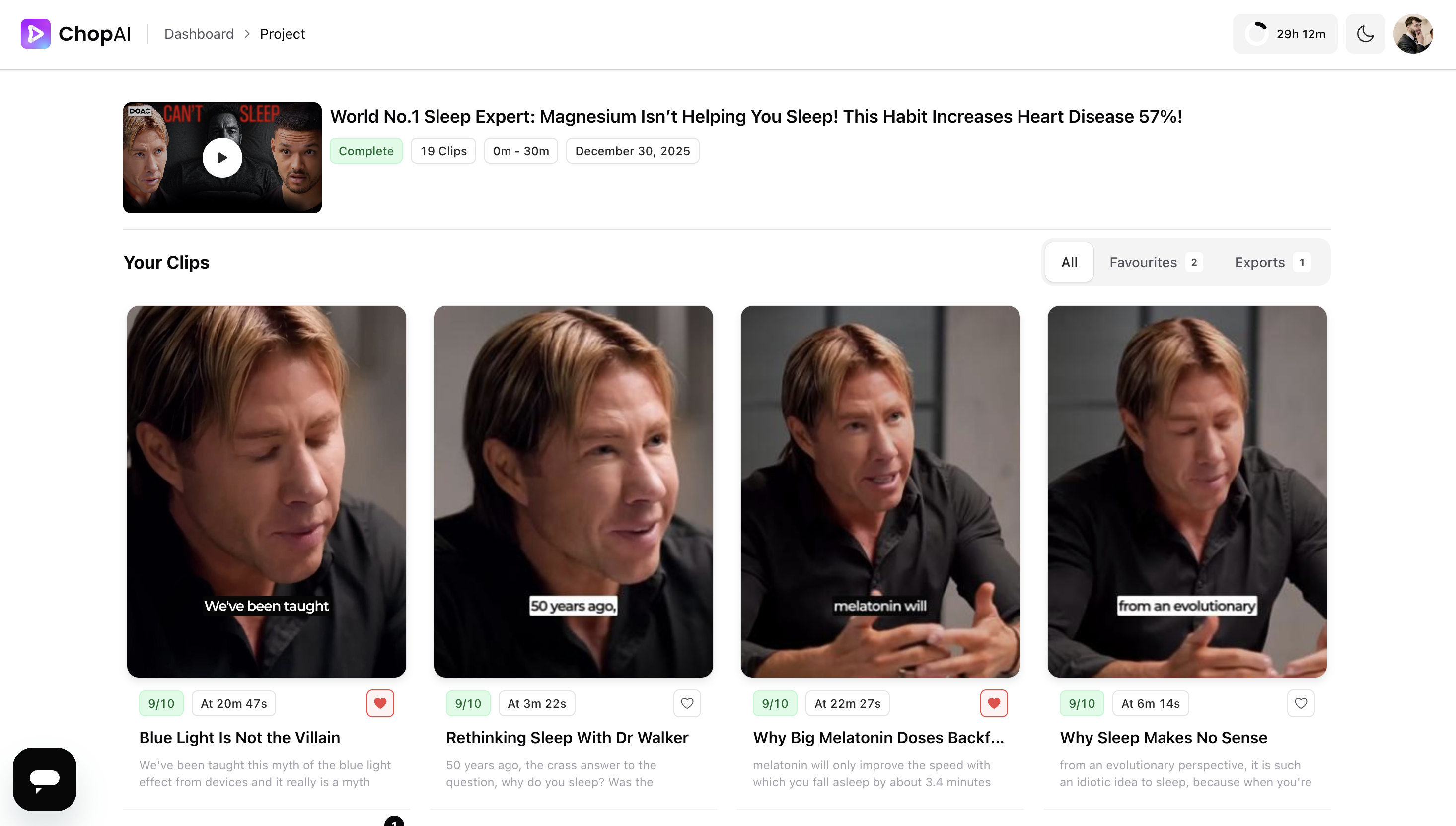
Generate Clips
Clips in Minutes
Stop manually cutting clips. Paste your link and AI finds the best moments.
- Works with YouTube videos and podcasts (any platform)
- AI analyzes transcripts to identify viral-worthy moments
- Get multiple clips per video, ranked by engagement potential
- Zero manual scrubbing through hours of footage
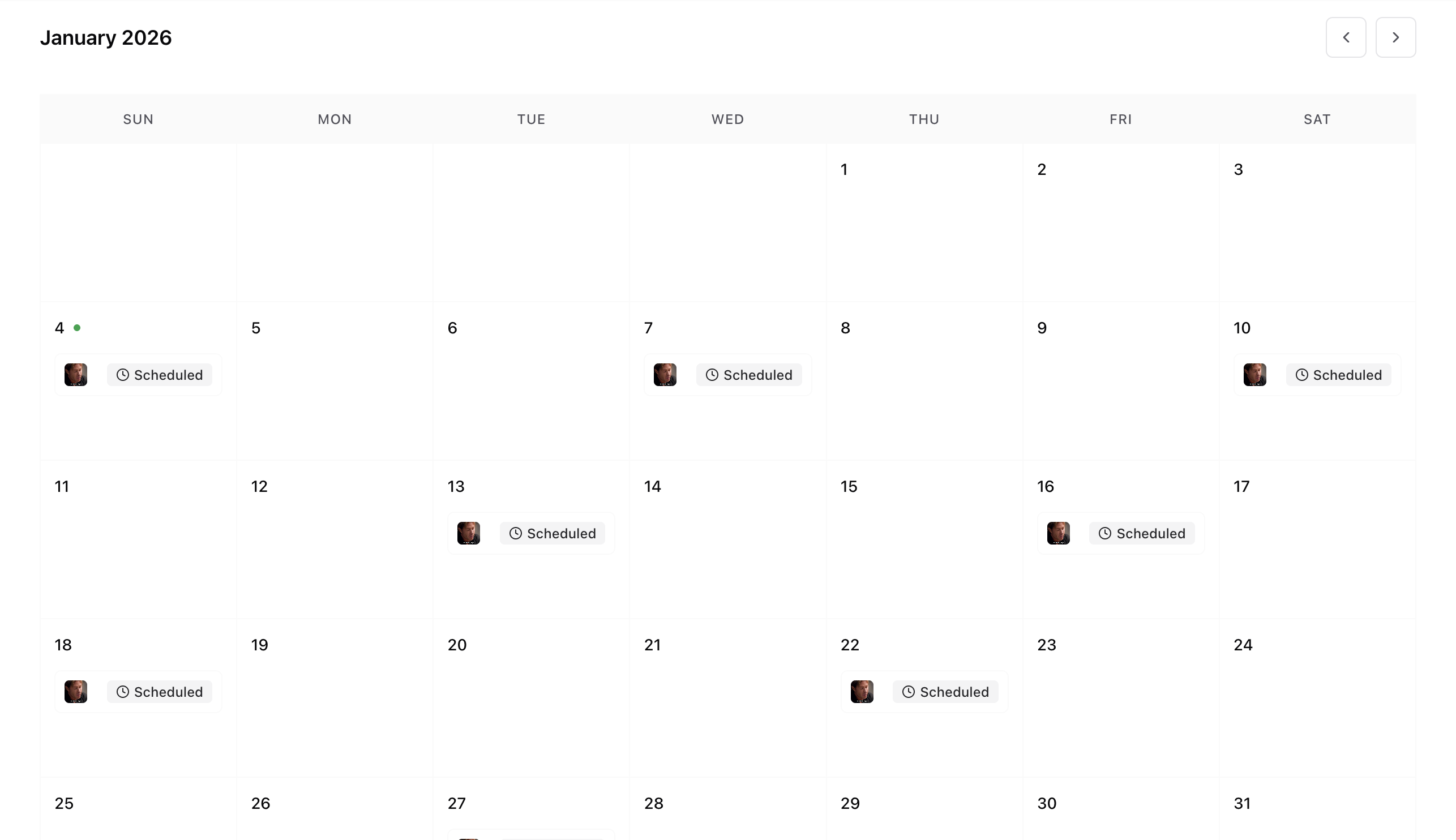
Schedule Posts
Schedule Weeks Ahead
Build your content pipeline in one day. Schedule posts weeks ahead.
- Schedule to multiple platforms (YouTube, TikTok, Instagram) simultaneously
- Visual calendar view lets you plan weeks or months ahead
- Set it and forget it—posts go live automatically
- Batch create clips from one video and schedule them all at once
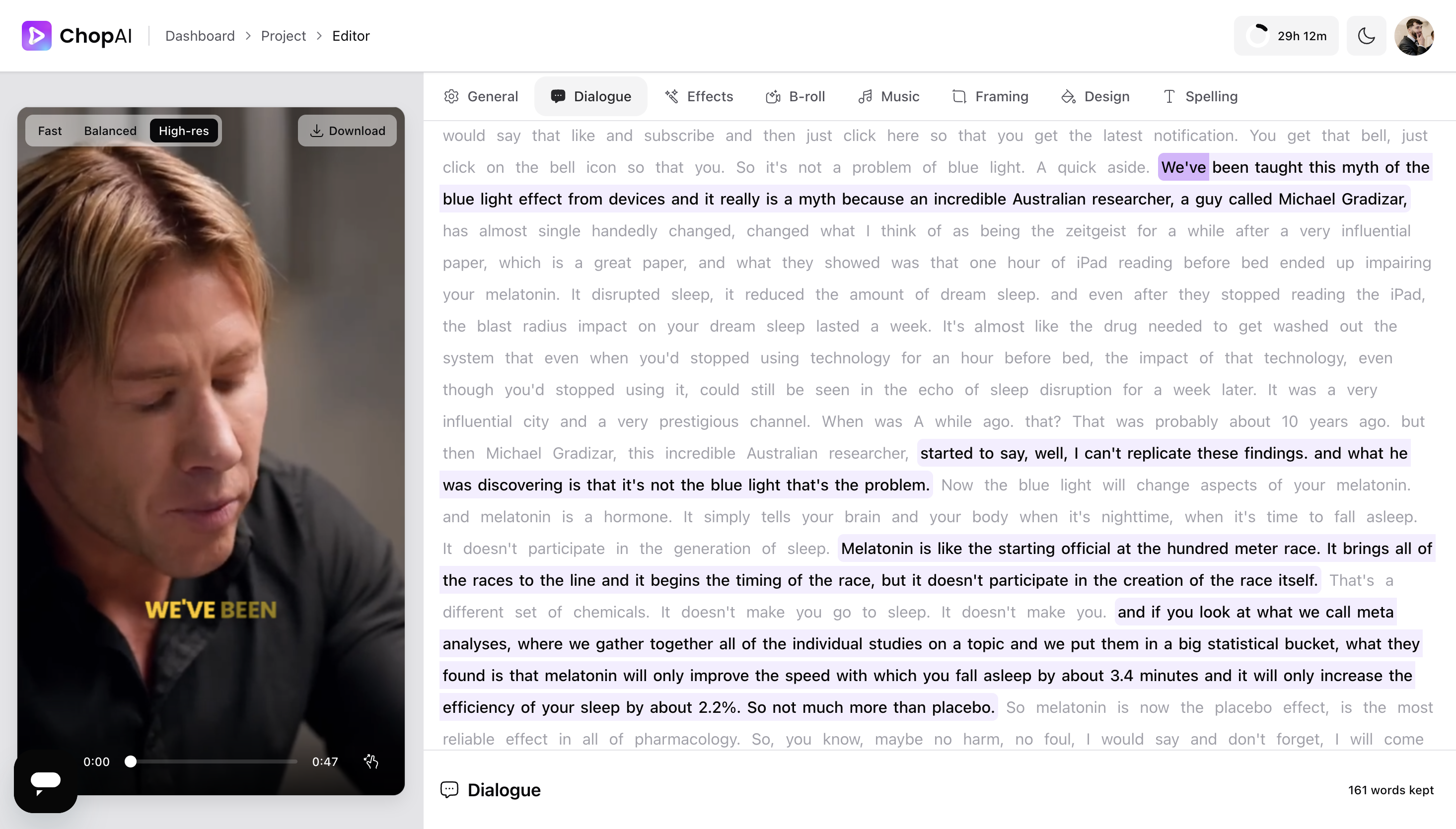
Edit Clips
Easy Clip Editing
Edit videos like you edit text—no video editing experience needed.
- Click words to add or remove dialogue—no timeline scrubbing
- Video cuts update instantly as you edit the transcript
- Perfect pacing and flow without learning video software
- See your changes in real-time as you type
Flexible pricing that scales with your needs.
Per Month
Monthly
£5 per hour
Upload 4 hours of video per month
No 'Chop AI' watermark
Our best AI clip generator
Edit your clips with AI
Unlimited posting
Yearly
£16 per month, billed annually
Upload 4 hours of video per month
No 'Chop AI' watermark
Our best AI clip generator
Edit your clips with AI
Unlimited posting
Frequently Asked Questions
Everything you need to know before you start clipping.
Hours represent the total length of video content you can process each month. For example, if you upload a 90-minute podcast episode, that uses 1.5 hours of your monthly allocation. You can process multiple videos until you've used your total hours. Hours are calculated based on the original video length, not the number of clips generated.
On average, Chop AI generates 15–25 clips from a 60-minute video and 25–40 clips from a 120-minute video. The exact number depends on content density, speaker engagement, and natural break points. All clips are ranked by viral potential, so you can focus on the top performers first.
Processing time varies by video length, but typically takes 5–15 minutes for a 60-minute video and 10–30 minutes for a 120-minute video. You'll receive a notification when your clips are ready. The AI analyzes speech patterns, visual engagement, and content structure to find the best moments.
Yes! Chop AI is specifically optimized for long-form talking content including podcasts, interviews, webinars, live streams, and educational videos. It excels at identifying engaging moments, key insights, and quotable segments from conversational content. The AI understands context, speaker dynamics, and natural conversation flow.
You can do both! Simply paste a YouTube URL and Chop AI will download and process it automatically. Alternatively, you can upload video files directly. Supported formats include MP4, MOV, and other common video formats. YouTube links are the fastest way to get started.
